Managing Duplicate Participants
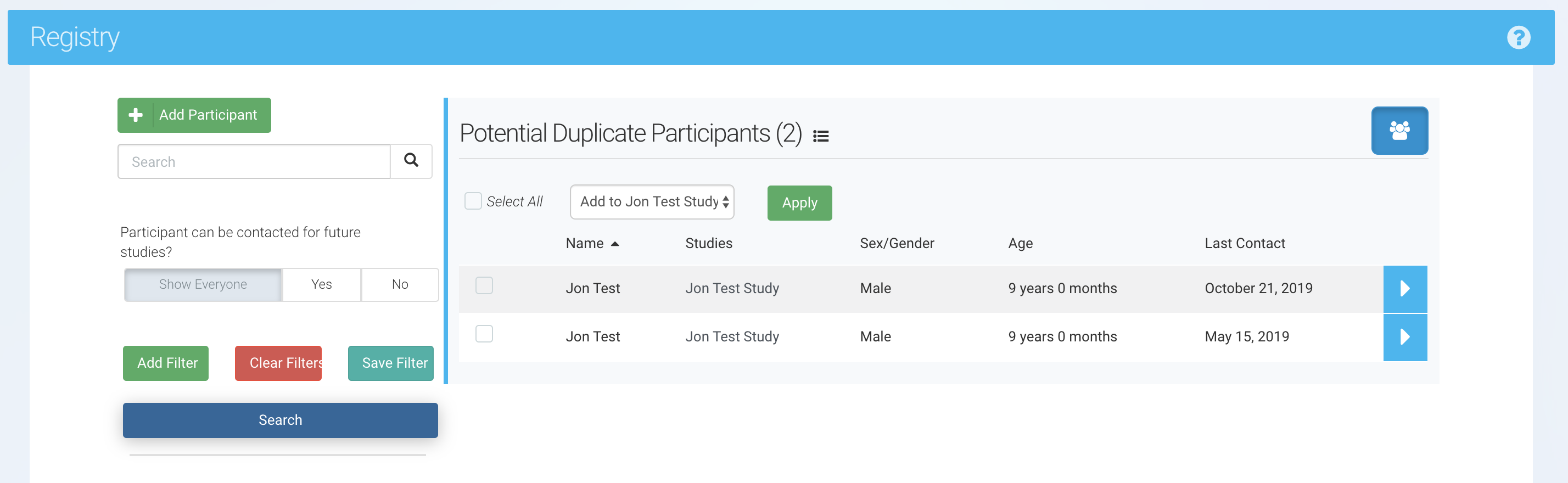
Occasionally, your team may inadvertently create duplicate participant entries in a Ripple registry. Duplicate records can lead to data integrity issues, study management challenges, and system functionality errors.
A duplicate participant is defined as:
- A set of participants with an identical Global ID.
A set of participants with an identical First Name, Last Name, and Birthdate.
📌 Prevents data inconsistencies within your study.
📌 Ensures accurate tracking of participant history across studies.
📌 Maintains system efficiency by avoiding duplicate records.
Merging Duplicate Participants
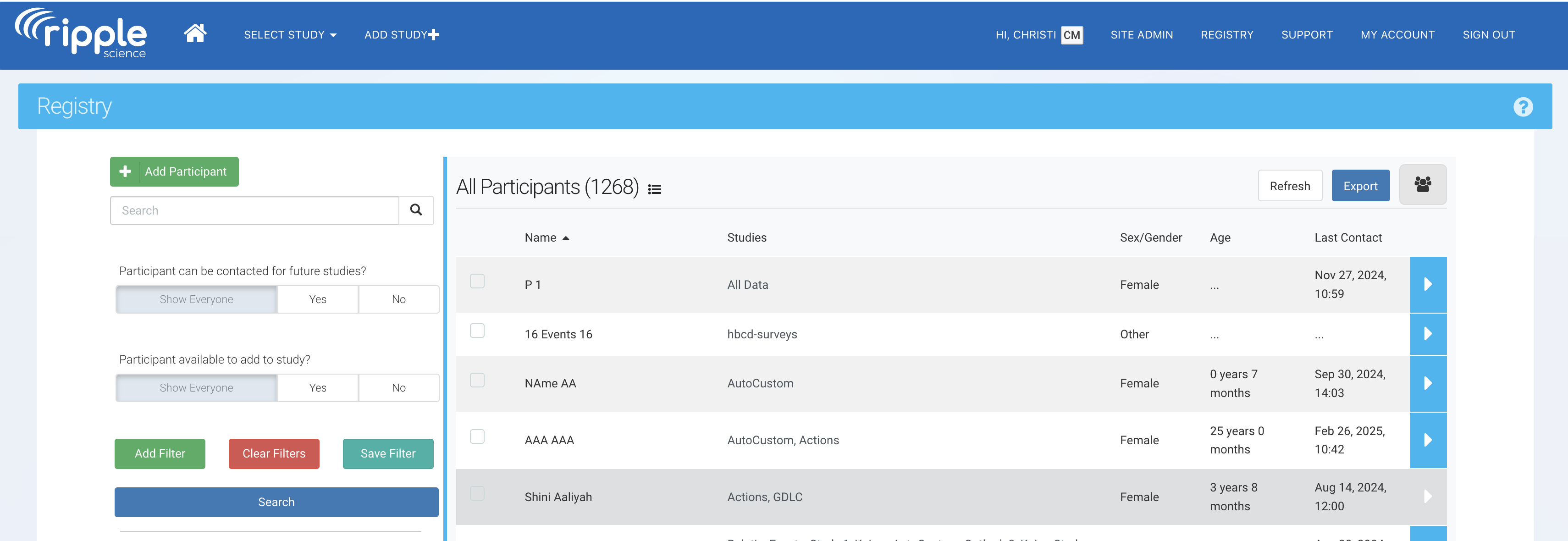
Step 1: Open the Potential Duplicates List
- Navigate to the Registry section.
- Click on the "Potential Duplicates" button in the upper right corner.

Step 2: Review the Duplicate Entries
- Compare the records to confirm they belong to the same participant.
- Verify information such as Global ID, name, birthdate, and study enrollment.
Step 3: Merge the Duplicate Profiles
When duplicate participant records are identified, follow the steps below to manually merge and retain the correct profile:
-
Identify the primary profile: Determine which participant record will be retained as the official (primary) profile. This will be the record that remains active in the registry.
-
Manually merge data: Copy all relevant information, field by field, from the duplicate record(s) into the primary profile to ensure all necessary data is preserved.
-
Verify data accuracy: Review both records to confirm that all applicable details have been successfully transferred to the primary profile.
-
Remove the duplicate profile: Once data verification is complete, delete the duplicate or unwanted participant record from the registry to maintain data integrity.
⚠️ CAUTION: Once a profile has been removed or deleted from the Registry, it cannot be retrieved. Be sure to verify all information has been successfully transferred to the primary profile before deleting any record.